



Table of Contents
- ⚡️ The 3-minute version
- 1. First, sort them by how the key reaches the guest
- 2. The real decision: does it sync with your PMS?
- 3. The eight products that integrate with AirHost (as of August 19, 2026)
- 4. Narrow it down by property constraint
- 5. Five things to confirm before you commit
- 6. What pricing is actually public
- 7. For operators: the integration lives in the PMS, not the lock
- Frequently asked questions
- Summary
- Related reading
- References
Smart Locks for Hotels and Minpaku in Japan: Comparing 8 PMS-Integrated Options
Last updated: August 19, 2026 / Written by the AirHost Digital Marketing Team
When you choose a smart lock for a property in Japan, the deciding factor is not the lock's feature list — it is whether the lock talks to your property management system automatically. If it does not, someone on your team issues a PIN code by hand for every single booking and pastes it into a message. That is not unmanned operation. You are not trying to digitise a key. You are trying to automate handing it over.
"There are so many smart locks — how do I even start comparing them?"
"Our building is leased and we cannot drill the door. Can we install anything at all?"
"We bought smart locks and we are still issuing PIN codes manually."
Hello. This is the AirHost Digital Marketing Team.
Smart locks have become essential for self check-in. But choose the wrong one and you end up with the worst outcome: new hardware, same workload. The cause is almost always the same — the lock is not integrated with the reservation system.
This article compares the eight smart locks that integrate with AirHost, using only what is documented on AirHost's official integration pages. We also cover how to narrow the field by property constraints, and what to confirm before you sign anything.
⚡️ The 3-minute version
Smart locks fall into four types by how the key reaches the guest: PIN code, mobile app, physical-key handover, and staffed remote support
The decisive factor is API integration with your PMS. With it, PINs are issued and updated automatically, and they follow booking extensions and cancellations on their own
Eight products integrate with AirHost as of August 19, 2026. Each suits different property conditions
Narrow by constraint: thumb-turn replacement for leased doors, an IoT key box when you must keep the existing physical key
Only some prices are public. Most require a quote — always confirm with the vendor, including whether extra gateway hardware is needed
What is a smart lock for accommodation?
An electronic lock opened with a PIN code, a smartphone app, or an IC card instead of a physical key. In accommodation, it is connected to a property management system (PMS) so that a key valid only for the guest's stay is issued automatically, enabling check-in with no one at the front desk.
1. First, sort them by how the key reaches the guest
Starting from product names is confusing. Starting from handover method makes the field obvious.
Type | How the guest gets in | Suits | Watch out for |
PIN code | A code valid only for the stay, sent by message | Most minpaku and small hotels. The common default | Some products need a separate keypad and gateway device |
Mobile app | The guest's phone becomes the key | Guests comfortable with apps, longer stays | The guest has to install something |
Physical-key handover | The real key sits in an IoT key box, released by code | Properties that must keep the existing key , doors that cannot be changed | You need a return process for the key |
Staffed remote support | The guest is identified remotely, then receives the key | Properties that want reliable ID verification | Requires space for a terminal |
Decide which type your property actually needs, and the shortlist writes itself.
2. The real decision: does it sync with your PMS?
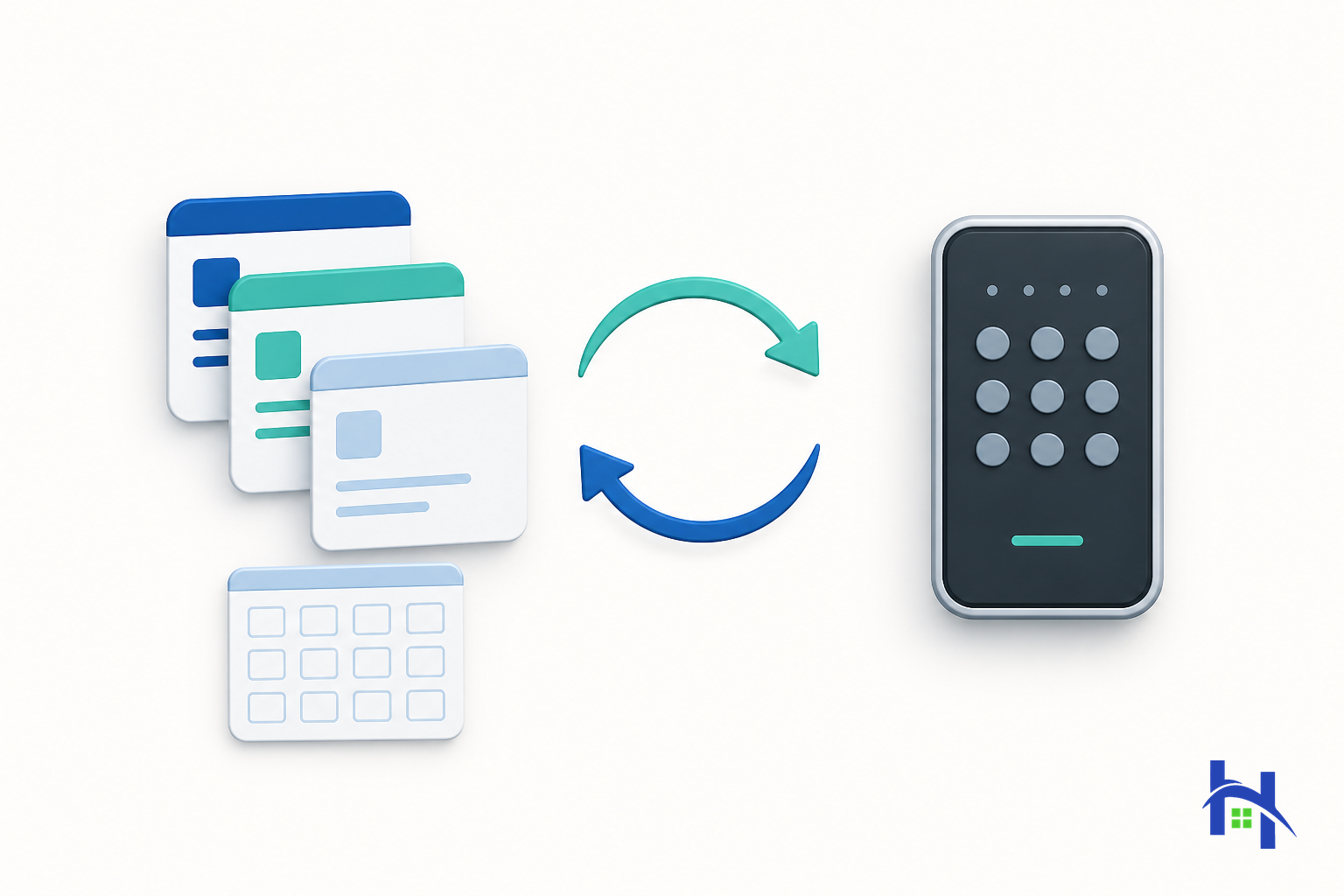
This is the heart of it. A smart lock on its own does not reduce your workload.
Without integration, every booking triggers this sequence:
Booking confirmed → create a code in the lock's dashboard → copy it into the guest message → send
Booking extended → manually change the code's validity
Booking cancelled → manually revoke the code
One booking a day is survivable. Several properties and several bookings is not. And a copy-paste slip becomes the worst possible failure: a guest standing outside a door they cannot open.
On integrated products, AirHost's official pages describe the following:
After a booking is confirmed, PIN codes are issued and updated automatically to match check-in and check-out
If a booking is extended or cancelled, the code is updated or cancelled automatically
For hotels, codes can be issued according to room assignment, and are updated automatically when the assignment changes
Codes are delivered to guests through the automated messaging function
(Sources: AirHost "RemoteLOCK", AirHost "KEYVOX", checked August 19, 2026)
Digitising the key is what a consumer product does. Accommodation needs the booking and the key to stay in sync by themselves.
3. The eight products that integrate with AirHost (as of August 19, 2026)
These are the eight listed under "Smart Key" on AirHost's integrated partners page. Every characteristic below comes from AirHost's official integration pages — nothing is inferred.
Product | Type | What the official page states |
RemoteLOCK | PIN (Wi-Fi) | Wi-Fi smart lock. Automatic PIN issuance and updates, room-assignment linkage. Added key devices widened the range of installable door types |
KEYVOX | PIN | An integrated access-rights management platform from Blockchain Lock. Automatic PIN issuance and updates, room-assignment linkage, notification via check-in tablet |
LINKEY PLUS | Mobile app | App-based. Keypad, NFC and physical-key entry, auto-lock, adjustable operation volume , low-battery warning, master key function, fake PIN |
Baycom Smart Lock | PIN | Electronic lock service from the Hankyu Hanshin Toho Group's Baycom. Thumb-turn replacement that leaves the cylinder in place. A dedicated gateway converts Wi-Fi to Zigbee to reduce battery drain |
KEY→Po | PIN (time-limited) | A time-limited key system from MIWA, Japan's leading architectural lock manufacturer. Issues keys valid only for the booking period. Thumb-turn replacement options require no additional work on the door |
KEY STATION | Staffed remote support | 24-hour remote key management. Room assignment, guest details and check-in status sync automatically. ID verification via a 24-hour call centre |
Keycafe Smartbox | Physical-key handover | IoT key box. Hands over your existing physical key with no staff present. Automatic access-code issuance, with real-time notification of pickup and return |
SwitchBot | PIN | Works with AirHost ONE to issue codes valid only for the stay. Covers SwitchBot Lock, Lock Pro and Lock Ultra. A keypad and a hub-type gateway are required separately for PIN use |
Check SwitchBot's availability before you plan around it.
The official integration page states that it is being rolled out first to corporate customers operating 50 or more rooms, with availability for individual customers around autumn 2026 (checked August 19, 2026).
One discrepancy worth flagging: the AirHost Help Center article on supported smart lock types (Japanese) lists seven products and does not include SwitchBot. This article follows the official integration page, which reflects newer information. Check that page for the current list.
4. Narrow it down by property constraint
Reading a feature matrix is slower than working backwards from what your building will actually allow.
Common worry | How to resolve it |
Leased property, cannot drill the door | Look at thumb-turn replacement . KEY→Po is described as offering options that require no additional work on the door |
Cannot or will not change the existing physical key | An IoT key box (Keycafe Smartbox) hands over your current key with no staff present |
Afraid of a dead battery locking guests out | Check whether battery level is visible in the dashboard. LINKEY PLUS documents a low-battery warning; Baycom documents reduced battery drain via Zigbee conversion |
Worried about being unable to open the door if the electronics fail | Check whether a physical cylinder remains. Baycom states the lock is installed leaving the cylinder in place |
Need face-to-face identity verification | KEY STATION documents ID verification through a 24-hour call centre |
Managing several properties at once | Check that the PMS manages devices centrally. AirHost describes linking key devices to listings for unified management |
Dread the 2 a.m. "I can't get in" message | Confirm the lockout fallback — spare entry method and support contact — before you install |
5. Five things to confirm before you commit
The parts a product page will not tell you. Use this as your enquiry checklist.
Installation conditions — door thickness and type, whether modification is required, whether the lease demands restoration
Power and battery — battery or wired, replacement interval, how you check remaining charge
Connectivity — Wi-Fi direct, or is a separate gateway required? If extra hardware is needed, put it in the quote
Lockout handling — does a physical key or cylinder remain? Is there an on-site response for failures?
Pricing structure — outright purchase or subscription, and whether there is a minimum term
6. What pricing is actually public
To be straight with you: of the eight, only one has pricing published on AirHost's pages.
Baycom Smart Lock states that no down payment is needed for the lock itself, that it is available on a subscription basis at 1,903 to 2,662 yen per unit per month including tax, with a minimum four-year term, after which the lock transfers to the user at no extra cost (AirHost "Baycom Smart Lock", checked August 19, 2026).
No pricing for the other products appears on AirHost's official pages. We will not invent figures, so please confirm directly with each vendor. Remember to ask whether gateways, keypads or other peripherals are required — they move the total.
Prices change. The figures above were public as of August 19, 2026. Confirm current terms before you buy.
7. For operators: the integration lives in the PMS, not the lock
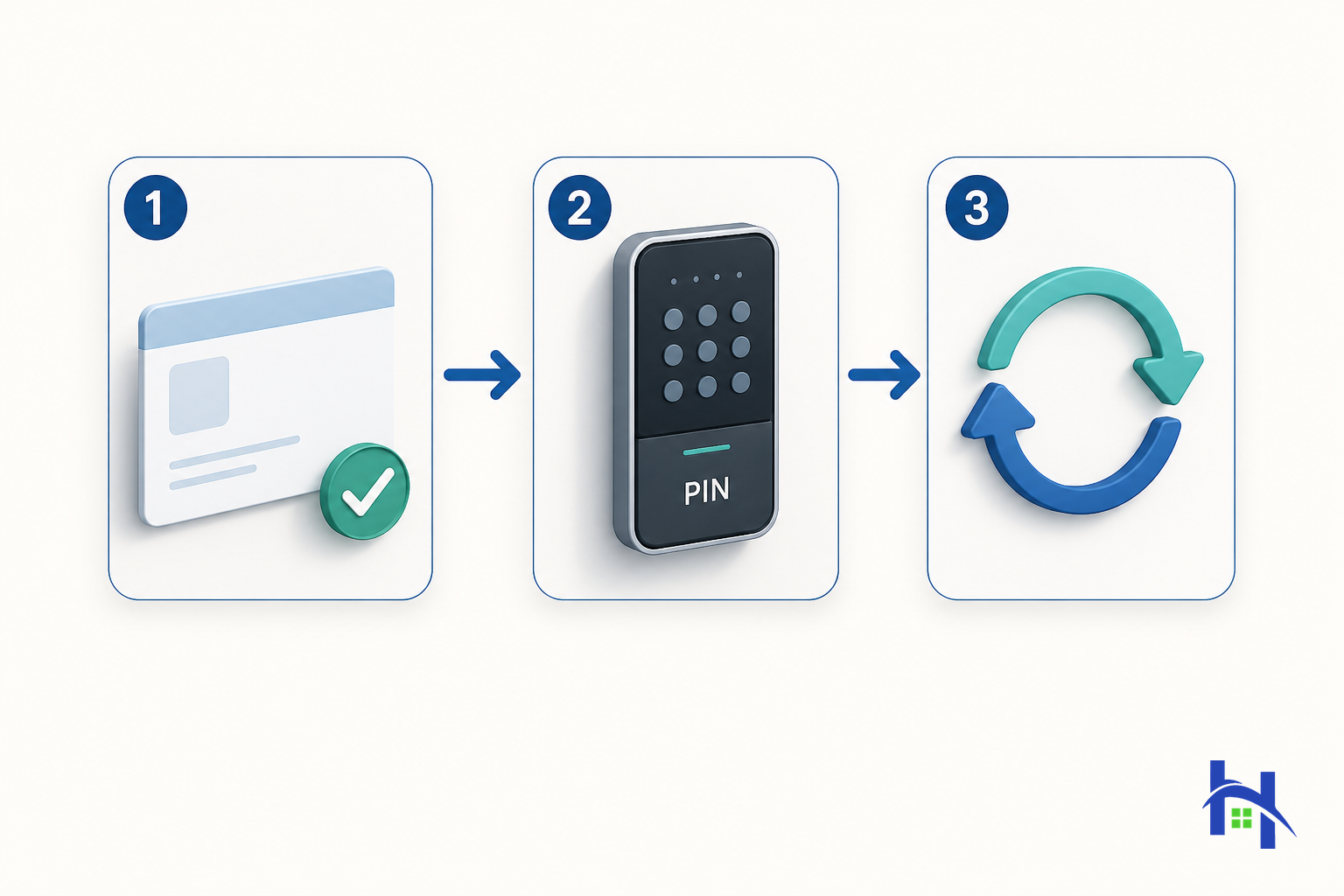
By this point the shape of the problem is clear. Choosing a smart lock is really a continuation of choosing a PMS.
However capable the hardware, if it is not connected to your booking data then issuing PINs stays a human job. Put the other way round: once your PMS integrates with the major smart locks, you get to choose the lock purely on what your building allows.
AirHost documents its IoT lock integration as follows (checked August 19, 2026):
Connects with AirHost HMS / ONE to issue PIN codes automatically based on reservation data
Manages smart lock accounts from a single dashboard
Lists guest PIN codes, and monitors battery level and Wi-Fi connection status
Which lock fits your building, and whether your current keys can stay in use, depends on the property. Bring us your setup as it is — no migration needed to have the conversation. Talk to AirHost. You can also see the current list on the integrated partners page.
Frequently asked questions
Q. Can I install a smart lock in a leased property?
Often yes, if you use a method such as thumb-turn replacement that requires no additional work on the door. But restoration conditions vary by lease, so get the landlord's or managing agent's permission in writing first. If that is not possible, an IoT key box that uses your existing key is the usual fallback.
Q. Is a smart lock alone enough for unmanned operation?
No. Without reservation-system integration, issuing codes and messaging guests stays manual. What actually delivers unmanned operation is booking-and-key synchronisation, not the electronic lock itself.
Q. What happens if the battery dies?
It depends on the product's safeguards. Before installing, confirm whether battery level is visible in the dashboard, whether a physical cylinder remains, and what the lockout fallback is. AirHost's pages document LINKEY PLUS's low-battery warning and Baycom's cylinder retention and Zigbee-based battery saving.
Q. Which one is cheapest?
We cannot rank them, because only one price is public. The only figure published on AirHost's pages is Baycom Smart Lock at 1,903–2,662 yen per unit per month including tax, on a four-year minimum term. Contact the other vendors directly.
Q. Can I keep the physical keys we already use?
Yes — an IoT key box (Keycafe Smartbox) is documented as handing over your existing physical key with no staff present, with real-time notification of pickup and return.
Q. Which smart locks does AirHost integrate with?
As of August 19, 2026: RemoteLOCK, KEYVOX, LINKEY PLUS, Baycom Smart Lock, KEY→Po, KEY STATION, Keycafe Smartbox and SwitchBot, per the integrated partners page. Partners are added over time, so check that page for the current list.
Summary

Choose in this order: handover type → property constraints → product. Never start from product names
The decisive factor is PMS integration. With it, issuing, updating and cancelling codes all become automatic
Eight products integrate with AirHost as of August 19, 2026, each suited to different conditions
Thumb-turn replacement for leased doors; a key box to keep your existing keys
Only one price is public. Confirm totals with vendors, peripherals included
You are not digitising a key. You are automating the handover. Choose on that basis and you are far less likely to regret it.
Related reading
References
Based on public information confirmed on August 19, 2026. The list of integrated products, their specifications, pricing and availability change. Before purchasing, confirm current details with each vendor and on AirHost's integrated partners page. Whether a given lock can be installed depends on your property's conditions.
Let AirHost help your business grow.
Our experts are here to support your requests anytime.